
Auto SMS — Missed Call Alert & Bulk SMS App for CSC/VLE
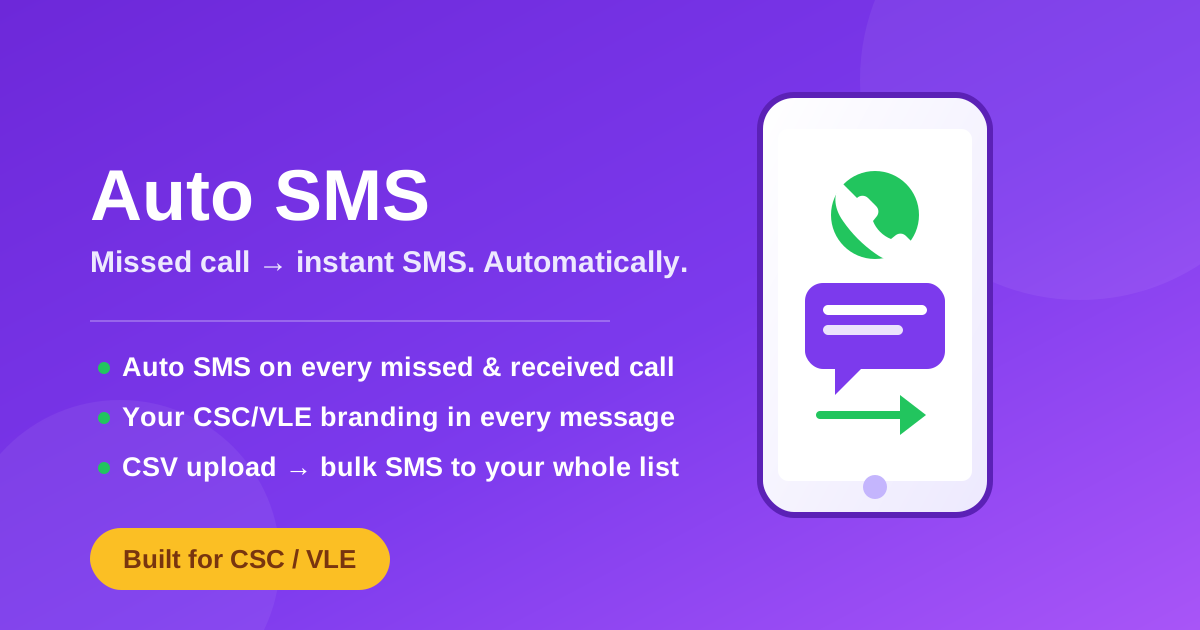
Turn every missed or received call into an automatic branded SMS to your customer — plus CSV-based bulk SMS broadcasting.
- Version1.0
- You needAndroid 8.0 or newer, a SIM with SMS balance, SMS permission granted
- Sold1 times
An account keeps your purchase, so you can download it again on any device.
About this
Every call your CSC/VLE centre gets — answered or missed — is a customer who just thought of you. Auto SMS makes sure they hear back from you automatically, the second the call ends, with no typing and no forgetting.
#What it does
- Automatic SMS on every missed call. The moment a call goes unanswered, the caller instantly gets an SMS from you — so a missed call never quietly becomes a lost customer.
- Automatic SMS on every received call too. Say thanks, confirm a service, or share your centre's offers right after you hang up — every single time, without lifting a finger.
- Your own branding in every message. Put your centre's name, services and number in the SMS template, so every auto-reply quietly advertises your CSC/VLE business.
- Bulk SMS broadcasting from a CSV file. Upload a CSV of your customers' numbers and send a message to all of them in one go — perfect for a new-scheme announcement, a reminder, or a festival offer.
- Built for how a CSC/VLE centre actually works — dozens of calls a day, no time to reply to each one by hand. This app replies for you, every time, while you keep working the counter.
#Why VLE/CSC operators buy this
A customer who calls and gets nothing back — not even a missed-call SMS — often just calls the next centre instead. An automatic, branded SMS the moment their call ends keeps your name in their phone, brings them back for their next Aadhaar update, PAN card, or government form, and does it without costing you a minute of your day.
#What you get
- The Android app (APK), install directly on your business phone.
- Works with your existing SIM and SMS balance — no extra SMS gateway account, no monthly SMS-API bill.
- One-time payment. No subscription.
How to use it
- Buy and download. After payment, download the APK from your account — it also stays saved there if you ever need it again.
- Install it. Open the downloaded file. Android will ask you to allow installs from this source once — allow it, then tap Install.
- Grant permissions. On first open, allow the Phone and SMS permissions it asks for — these are what let it see a call end and send the SMS.
- Set your message. Write your auto-reply once — your centre's name, services and number. This is what goes out on every missed and received call.
- Turn it on. Flip the app's switch on and leave it running in the background. From here on, every call is followed by your SMS automatically.
- For bulk SMS: open the Broadcast tab, upload a CSV of phone numbers, write your message once, and send — it goes out to the whole list.
Questions
Does this need internet or a separate SMS-API subscription?
No. It sends SMS straight from your phone's own SIM, using your normal SMS balance — no data plan, no API key, no monthly SMS bill on top of what you already pay.
Will it drain my phone's battery?
It only wakes up when a call starts or ends, so it sits quietly in the background the rest of the time — it is not constantly running or using data.
Can I change the SMS message later?
Yes, open the app any time and edit your message — the next call onward uses the new one.
Does it work with two SIMs (dual SIM phones)?
Yes, choose which SIM sends the auto-SMS in the app's settings.
What happens to the price after the launch offer?
The launch price is only for the first 5 days after this app went up on the store. After that it goes back to the regular lifetime price — anyone who buys during the offer keeps their copy forever regardless.
Is this a one-time payment or a subscription?
One-time. Pay once, use it for good — no renewal, no recurring charge.
Where does the CSV bulk SMS feature send from?
The same phone and SIM — upload your customer list as a CSV (just their phone numbers), write your message once, and it sends to everyone in the list from your own number.
I run more than one CSC/VLE centre — can I use it on more than one phone?
Each purchase is licensed for one phone. Buy again for a second centre, or message support for a multi-centre price.